Seeker
 VS Code
 Nuxt
Nuxt TypeScript
 Hasura
 GraphQL
 Express
 Node.js
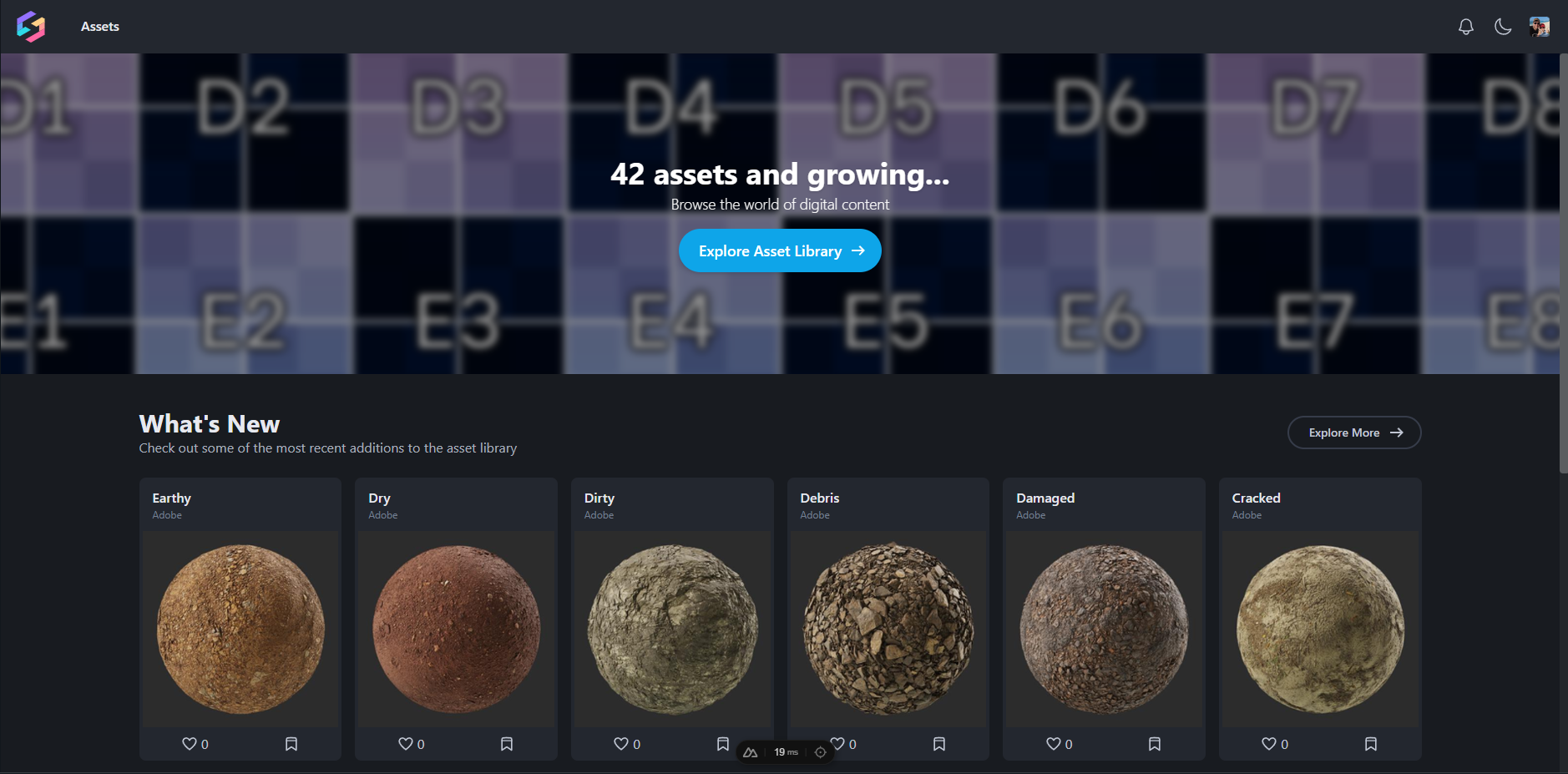
Seeker is an online asset browser and manager built for studio pipelines. I designed and built the entire backend, infrastructure, and DevOps — a Nuxt 3 frontend backed by an Express/TsED API, Hasura GraphQL layer over PostgreSQL, and a full Docker Compose deployment system with CLI tooling for dev, staging, and production environments. UI design and a lot of the frontend were contributed by John Martini.
AI-Powered Discovery
The standout feature is a hybrid semantic search system. When a user adds ai:true to their query, Seeker generates a vector embedding of their search terms, runs a similarity search against pre-computed embeddings of all asset names and descriptions, then sends only the top matches to an LLM for intelligent query expansion. The result is surfaced through the existing QueryFilter DSL — users get dramatically better results with no added UI complexity.
# User types:
food ai:true

# Vector search finds top matches:
# - Donut (similarity: 0.89, tags: ["bakery", "sweet"])
# - Cake  (similarity: 0.85, tags: ["dessert", "celebration"])
# - Apple (similarity: 0.78, tags: ["fruit", "healthy"])

# LLM expands to final query:
food +name:donut +name:cake +name:apple +tag:bakery +tag:dessert +tag:fruit
ML tagging runs via Ollama (LLaVA) and automatically analyzes ingested assets to generate descriptive tags, making previously untagged assets discoverable immediately on ingest.
Data Connectors
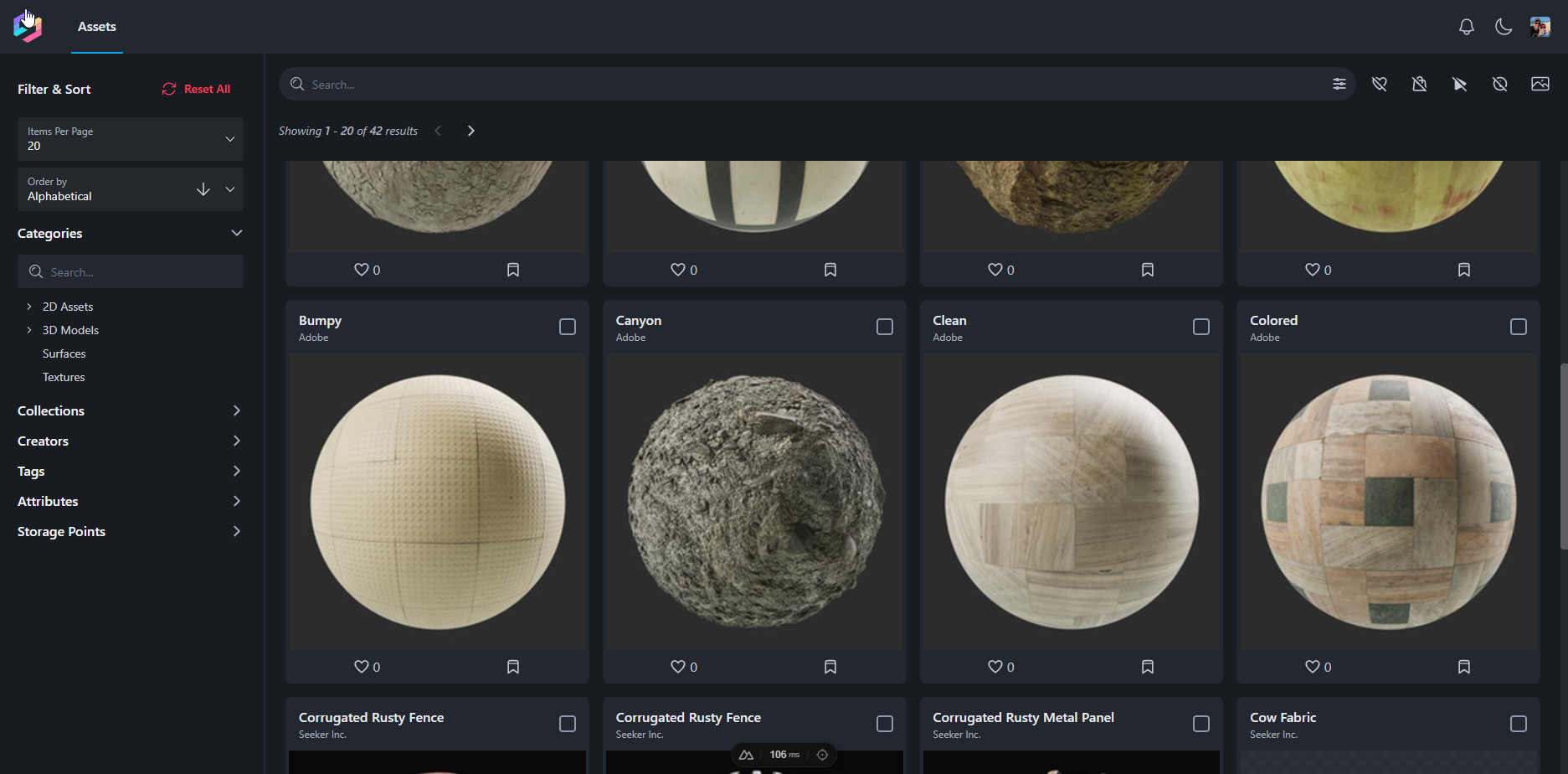
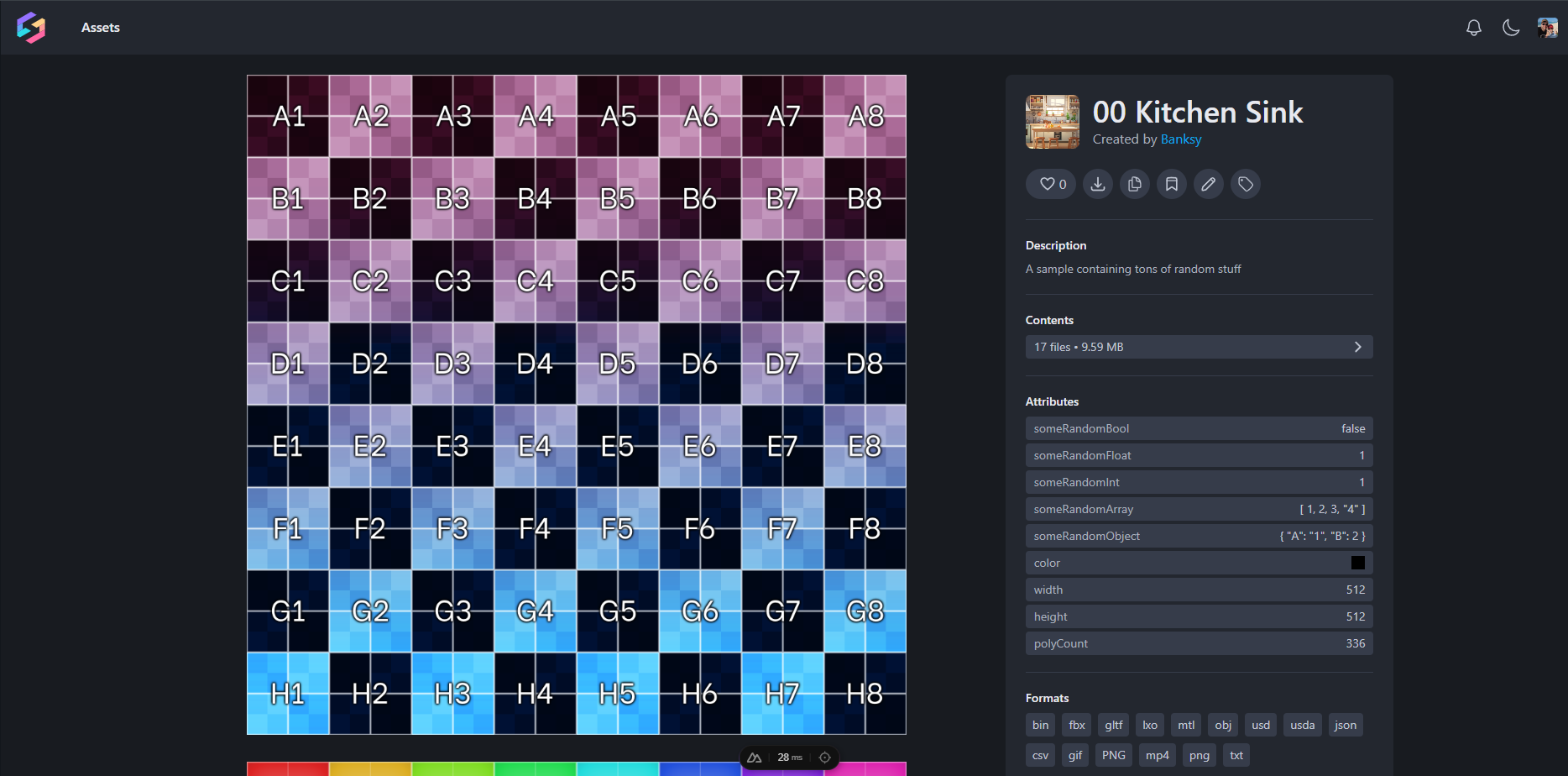
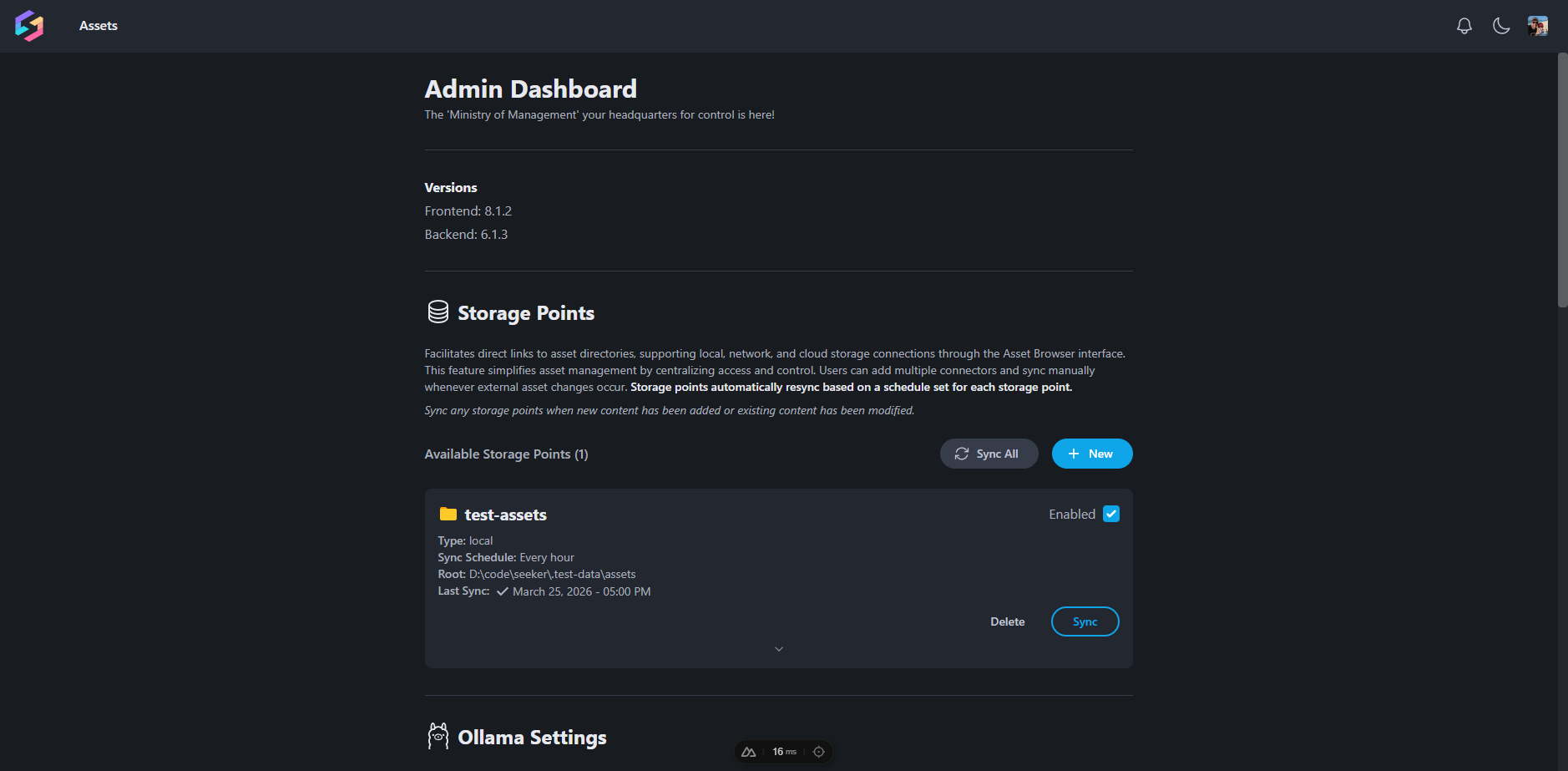
Seeker wraps around existing storage rather than requiring migration. Assets live where they already are — local filesystems, network drives, cloud storage — and Seeker indexes them through configurable Storage Points. A sync process (manual or automatic hourly) reads asset.json metadata files alongside each asset and ingests everything into the database.
{
  "name": "Donut",
  "tags": ["round", "sprinkles", "food"],
  "category": ["3D Assets", "Food", "Desserts"],
  "collections": ["Party and Celebration", "Bakery Items"],
  "description": "Classic sprinkle donut",
  "creator": "Seeker Inc.",
  "attributes": {
    "color": "#FFF",
    "flavor": "vanilla",
    "width": 5,
    "height": 1.5
  },
  "gallery": ["media/turntable.mp4", "media/beauty.png"]
}
QueryFilter DSL
I built a custom query DSL that gives power users precise control over search. It supports name matching, tag and collection filters, attribute comparisons, AND/OR logic, ordering, limits, distinct results, and archived asset visibility — all composable in a single search string.
# Find medieval props that are either a weapon or armor, sorted by name
collection:Fantasy +attribute:type:_eq:weapon +attribute:type:_eq:armor orderby:asc:name

# Find large assets colored red, or anything tagged "sci-fi"
attribute:size:_gt:20 +attribute:color:_eq:#FF0000 +tag:sci-fi

# Find unique creators across non-archived assets in two collections
distinct:creator +collection:Archives +collection:NewReleases archived:false

# Regex name match with a tag filter and result limit
name:_iregex:Shi* tag:vehicle limit:10
Infrastructure & Deployment
The full stack runs in Docker Compose with a custom CLI that handles dev resets, staging, production, and cleanup. Two deployment modes are supported out of the box: IP + port access for LAN deployments and Traefik + TLS for public domain deployments.
pnpm run seeker:reset-dev    # tear down and rebuild dev environment
pnpm run seeker:start-prod   # start production stack (IP mode)
pnpm run seeker:start-staging # start staging stack (Traefik + TLS)
pnpm run seeker:clean        # prune unused Docker resources
Any push to main triggers an automated build and deploy via GitHub Actions, with a SKIP-DEPLOY commit message escape hatch and a production database reset flow.